




Happyjokers App for Mobile and Desktop Access
The Happyjokers app gives players browser-based access to our platform through a Progressive Web App (PWA). The browser handles installation directly from the official website and places a dedicated icon on the device. A single account connects mobile and desktop activity, including balance and settings. You will always be updated on your verification details and recent play.



Happyjokers Mobile Casino
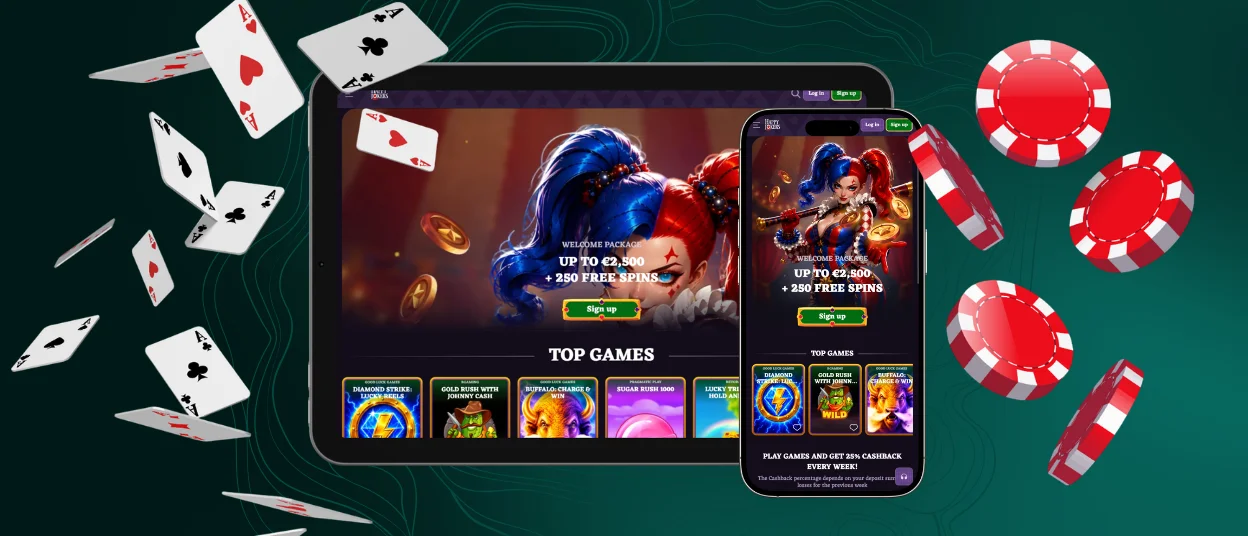
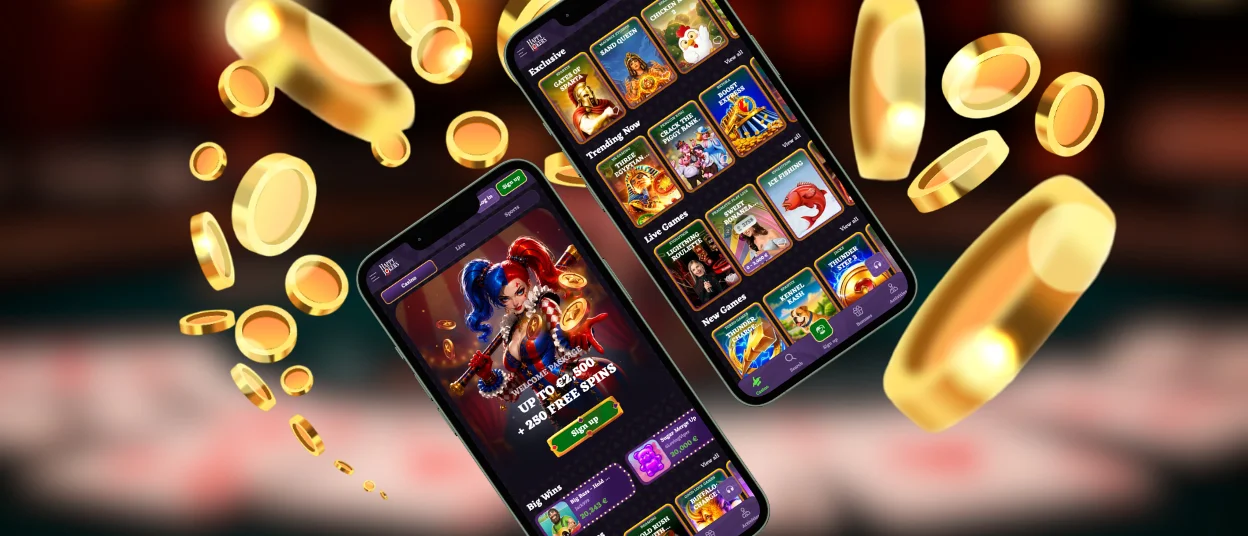
Our mobile casino adapts navigation and game controls to smaller touchscreens. Users can open the game catalog and cashier from the same interface. Account settings and live chat remain linked to the profile. The layout adjusts to the screen size, keeping menus and buttons clear on phones and tablets.
The Happy Jokers mobile version works splendidly with quick account checks and shorter sessions. Desktop access provides more screen space for browsing the catalog or viewing several interface elements at once. Both routes use one profile, so members continue with their current account data.
| Feature | How the PWA Handles It | Practical Result |
| Home-screen access | The browser saves an official icon and opens the platform in an app-style window. | Users reach the mobile interface directly from the icon. |
| Account synchronization | The same credentials and profile work on every supported device. | Balances, preferences, verification details, and activity records stay connected. |
| Responsive interface | Page elements resize and reposition for phones and tablets. | Touch navigation remains clear across different screen dimensions. |
| Core platform functions | The mobile version includes the game lobby and support channel. | Players can manage regular account activity through one interface. |
| Storage use | The device keeps the shortcut and a limited set of cached resources. | Local storage use remains low. |
| Automatic updates | Current resources load from the platform when the PWA opens or refreshes. | Server-side delivery keeps the installed version current. |
The PWA format keeps mobile access closely aligned with the main website. It also reduces the installation and maintenance work required from users.
Mobile Application for Android
We provide Android access through the official website and a current mobile browser. The browser turns the site into an app-style shortcut, allowing the platform to open separately from ordinary tabs.
- Open the platform website in a compatible browser.
- Open the browser menu and select “Add to Home Screen” or the displayed installation command.
- Confirm the shortcut name, then select “Add.”
- Tap the new icon and sign in with the account used on the main website. New members can complete registration through the same interface.
The saved icon launches the mobile PWA with the same account data used on desktop. Happy Jokers applies platform updates via the web, so users see the latest interface when they reopen the shortcut.
Happyjokers APK
Our official Android distribution uses the PWA format. The browser creates the home-screen entry and loads the platform from our web service. This method keeps installation light and limits the amount of local storage required.
Mobile Application for iOS
We support home-screen access through Safari on compatible iPhone and iPad devices. The process creates a dedicated icon and opens the platform in an application-style view.
- Open the platform page in Safari.
- Tap the Share control in the browser toolbar.
- Select “Add to Home Screen.”
- Review the shortcut name and tap “Add.”
- Open the new icon and enter the credentials linked to your existing account.
The shortcut connects to the same account and keeps balance and profile information synchronized. Happy Jokers also delivers updates through the web service, so the icon continues to open the current platform version.
Happyjokers Casino Application for Windows/macOS
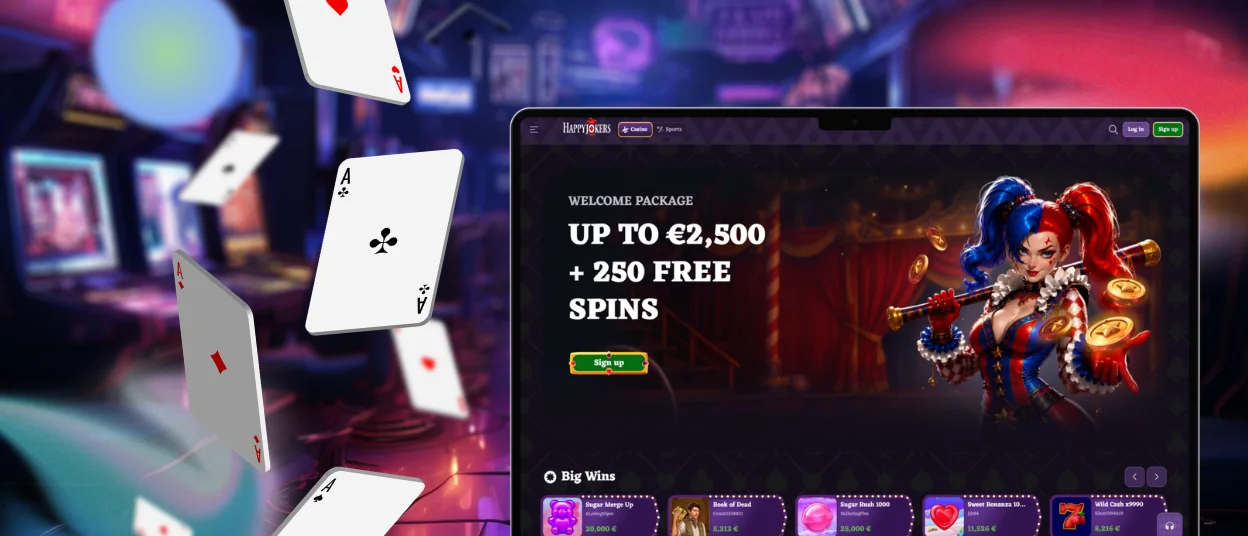
Players can use the PWA on desktop systems through a supported browser. After installation, a separate desktop or taskbar shortcut opens a larger version of the interface. Users can access games and payment tools with the same credentials used on mobile. Profile settings and live chat remain available through the connected account.
The desktop PWA receives platform changes automatically. Moving or deleting a visible shortcut only changes the access icon; application management remains available through the browser or operating-system settings.
Device Compatibility
The Happyjokers app supports current smartphones, tablets, laptops, and desktop devices through modern browsers. Responsive page elements adjust to the available screen dimensions, while mobile controls use spacing intended for touch input. A stable internet connection supports games, live sessions, payments, and account synchronization.
The PWA stores the shortcut and a limited set of essential cached resources. Users can move between devices with the same login, and profile changes appear under the connected account. Current browser and operating-system versions provide the intended PWA functions and security updates.
FAQ
Is there customer support in the Happyjokers Casino app?
We provide live chat inside the mobile interface 24/7. The support team handles account access and payment questions. Managers assist with verification, game navigation and other platform matters.
Do I need an account to use the Happyjokers app?
Visitors can view public sections before registration. A registered account is required to manage funds and use real-money functions. It also saves activity and synchronizes account information across devices.
Are all games available in the app?
The PWA mirrors the website catalog available to the user profile. Players can open the available slots and live sessions through the mobile interface with their existing account.
How can I update the Happyjokers Casino app?
The PWA updates through the web service in the background. Reopening or refreshing the shortcut loads the current platform resources, and the complete update process remains within the browser.


