




Happyjokers App
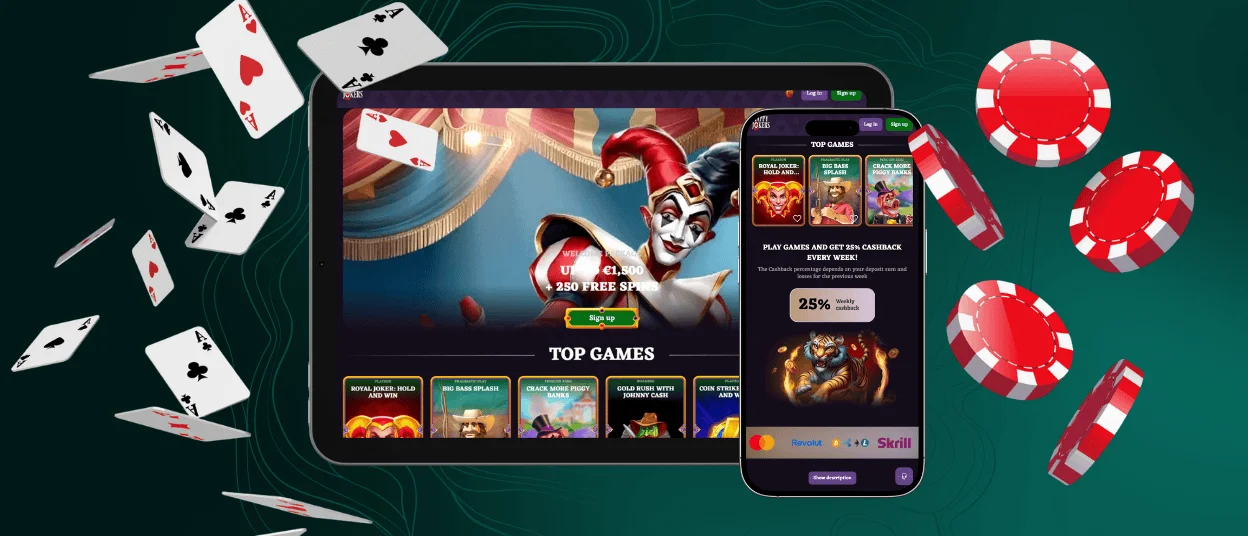
The Happyjokers app is the simplest way to keep our casino within reach on a phone, tablet, or computer. We run it as a Progressive Web App (PWA), which means you can add a shortcut from your browser and launch Happyjokers in an app-style window. Players who bounce between quick mobile sessions and longer desktop play like how the same account follows them across devices.



Benefits and Features of the Happyjokers App
Once you add the shortcut, the experience changes in a few practical ways. You still play at Happy Jokers Casino, but the app-style format makes everyday sessions easier to start, pause, and continue. From the first launch, three things stand out right away:
- Adapted interface: The mobile version opens in its own focused window. That small difference matters more than it sounds. The casino session stays separate, so it’s easier to move between the lobby, promotions, and your account area without losing your place. Players who switch titles often notice this right away because navigation stays predictable.
- App size: It stays lightweight. You don’t install a large package, and you don’t deal with store updates. After your first visit, the Happy Jokers shortcut keeps a small amount of cached data, which helps menus and lobby pages load faster when you return. Games and cashier actions still rely on an active connection, so a stable network matters most when you play longer sessions or make transactions.
- Cross-session experience: The shortcut makes switching devices feel natural. You can start a session on mobile, then open the same application on a laptop later without “starting over.” Your Happyjokers login, settings, and account tools stay in the same places, which reduces friction when you move from a quick phone session to a more comfortable desktop setup.
We also keep security and account control built into the software. You can manage profile details, review activity history, and enable extra protections like 2FA (two-factor authentication) from the same place you use for play. When players move between devices, those settings follow the account, not the screen.
Happyjokers App for Android
Android makes the PWA feel close to a traditional application. Once you add the shortcut in Chrome, you open Happyjokers from a home screen icon instead of going through the browser. The app-style window keeps the session in one place, and Android’s back button helps you move around without losing the flow.
If you play in short bursts, keeping the icon on your first screen makes returns feel instant.
Some game formats feel especially natural on Android. Crash titles fit the quick-session style because rounds resolve fast and controls stay simple. Titles like Plinko and Spaceman work well when you want a few decisive rounds without a long setup. Slots also feel comfortable in portrait mode, and search helps you jump to a specific title or provider quickly.
Some users search for Happyjokers APK, but you do not need an APK here. The PWA shortcut gives you the same one-tap access without a separate installation file.
Mobile Application for iOS
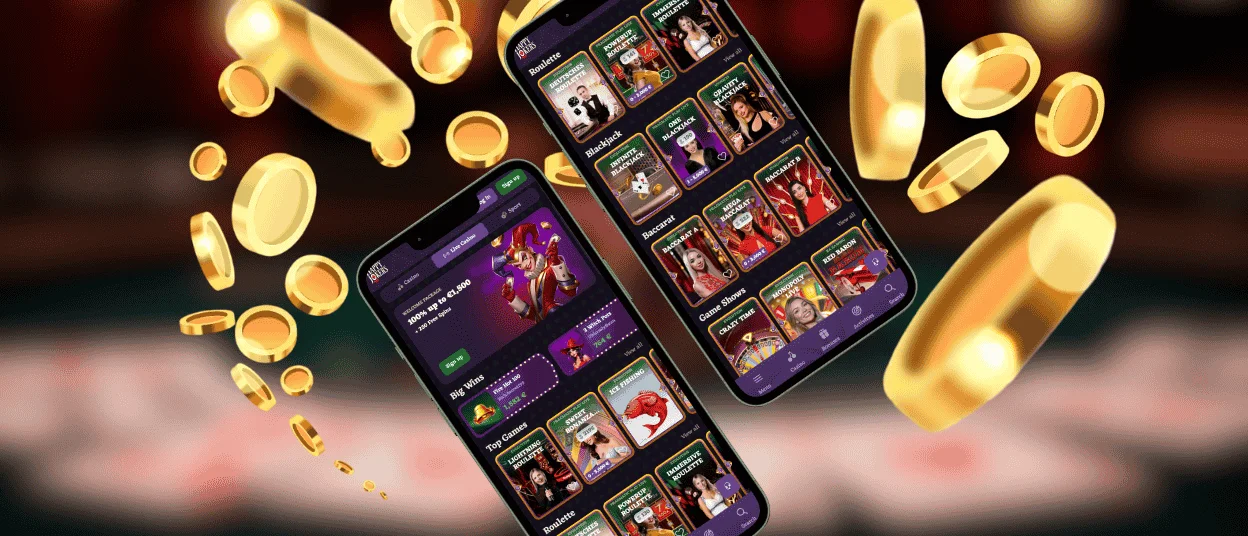
On iOS, Safari gives you the cleanest route to the shortcut. You add Happy Jokers to your home screen from the Share menu, then you launch it like an app. The result feels tidy and consistent: a focused window, a familiar layout, and a quick way back to the lobby.
iPhone users often prefer titles that stay readable in portrait mode. Slots and instant titles work well when you want one-handed play, and the interface keeps the main buttons within easy reach. An iPad gives you extra comfort for live games because the screen leaves room for video and side panels without constant scrolling.
We keep the core flow the same on iOS: browse the Happyjokers lobby, search by game name or provider, and use the cashier from the same account. Players who switch between iOS and desktop don’t need to relearn navigation, which matters when you want a smooth return session instead of a fresh start every time.
Play Happyjokers on Mac or Windows
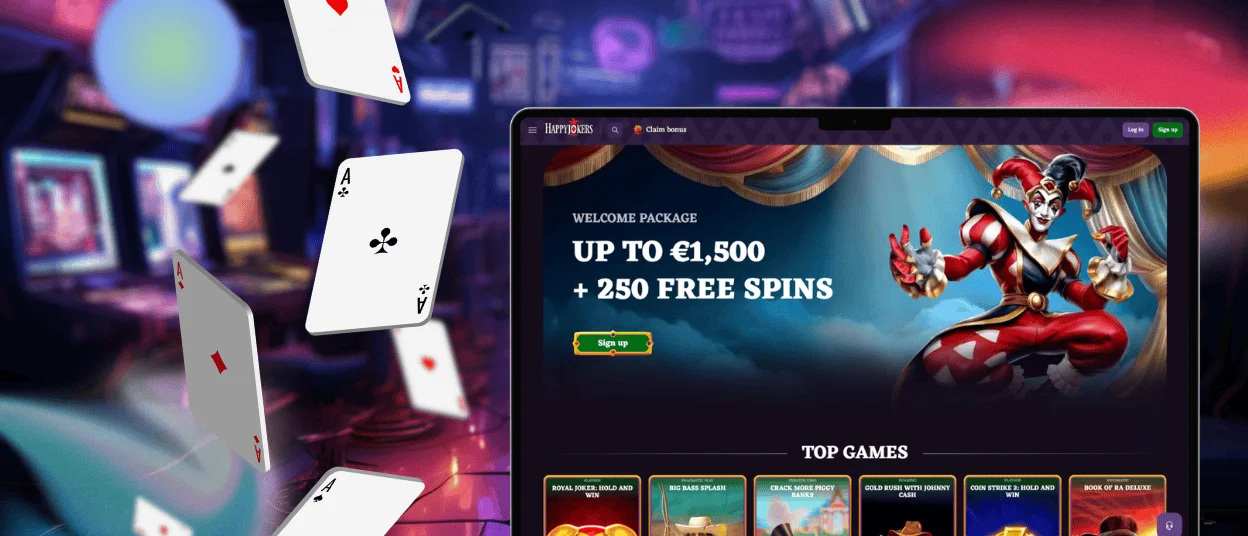
Desktop users can also treat Happy Jokers like an app. Many modern browsers let you install a PWA, which creates a dedicated window and a shortcut you can pin to your dock, taskbar, or desktop. This setup keeps the casino separate from work tabs and everyday browsing.
A bigger screen changes what feels comfortable. Live dealer titles often feel better on desktop because video and controls get more room. Games like Lightning Roulette and Crazy Time also benefit from the wider view when you want the clearest overview of the layout and side panels.
A desktop helps with browsing too. You can scan long lists faster, use keyboard search, and keep the lobby open while you check a promotion page in a second window. Players who like to compare providers, explore new categories, or read rules without constant scrolling prefer this setup.
How to Install the Happyjokers App on Any Device
Installation starts with our official platform and takes about a minute.
- Open Happyjokers in your browser.
- On Android in Chrome, tap the three-dot menu and choose Add it to the home screen, then confirm.
- On iOS in Safari, tap the “Share” button, choose “Add to Home Screen,” and then confirm.
- Tap the Happy Jokers icon to launch the app-style window.
- On Mac or Windows, use your browser’s install option if it is available, or create a shortcut and pin it where you keep everyday apps.
- Sign in and start playing.
What Do You Need to Install the Happyjokers App
Since the Happyjokers app runs as a PWA from your browser, you won’t download a heavy installer. A few basic settings make sure the shortcut installs correctly and the session stays stable during gameplay and cashier actions.
| Requirement | Details | Why it matters |
| Browser that supports PWA shortcuts | Use a recent version of Chrome for Android, Safari for iOS, or Firefox | If the browser is outdated, “Add to Home Screen” may not show up, or the shortcut may open like a normal tab |
| Connection that won’t drop | Wi-Fi is the easiest option; strong mobile data works too | A weak signal shows up during live games and cashier steps: pages reload, video stutters, and actions take longer |
| JavaScript turned on | Keep it enabled in browser settings | Without it, the app window can load partially, and title launch buttons may not respond as expected |
| Cookies and site data allowed | Avoid strict blocking and private mode for everyday play | This is what keeps you signed in and helps the shortcut behave like an app instead of “forgetting” the session |
| A little free space | The shortcut stores a small cache after the first visit | The cache is what makes return visits faster, especially when you reopen the lobby and menus |
| Updated operating system | A recent Android or iOS version | Newer systems handle security updates better and reduce random glitches during longer sessions |
FAQ
Does the Happyjokers Casino app offer customer support?
Yes. We’re available 24/7 by live chat and email. Chat is the quickest option; email works better when you want to send details like a screenshot or a payment reference.
Are all games available in the app?
Yes. The Happyjokers shortcut opens the same lobby as on the desktop version. If you’re on a slow connection, some live tables can feel smoother on a larger screen, but the selection stays the same.
How can I update the Happy Jokers app?
You don’t update it like a store app. Open the Happy Jokers shortcut, and you’re on the latest version. If something looks stuck, close the app window fully and reopen it. Still odd? Clear the browser cache for Happyjokers and launch the shortcut again.
How is a PWA different from a traditional casino app?
A traditional app is a separate download that you update through an app store. A PWA is a shortcut you add from your browser that opens in an app-style window. It stays lightweight and uses a small cache to make return visits quicker.


